Astro vs WordPress: Which One Fits Your Business Website?

Giattech
Web Application Studio
An honest comparison of Astro and WordPress across speed, cost, security, content management, and SEO — with a recommendation per project type.
Table of Contents
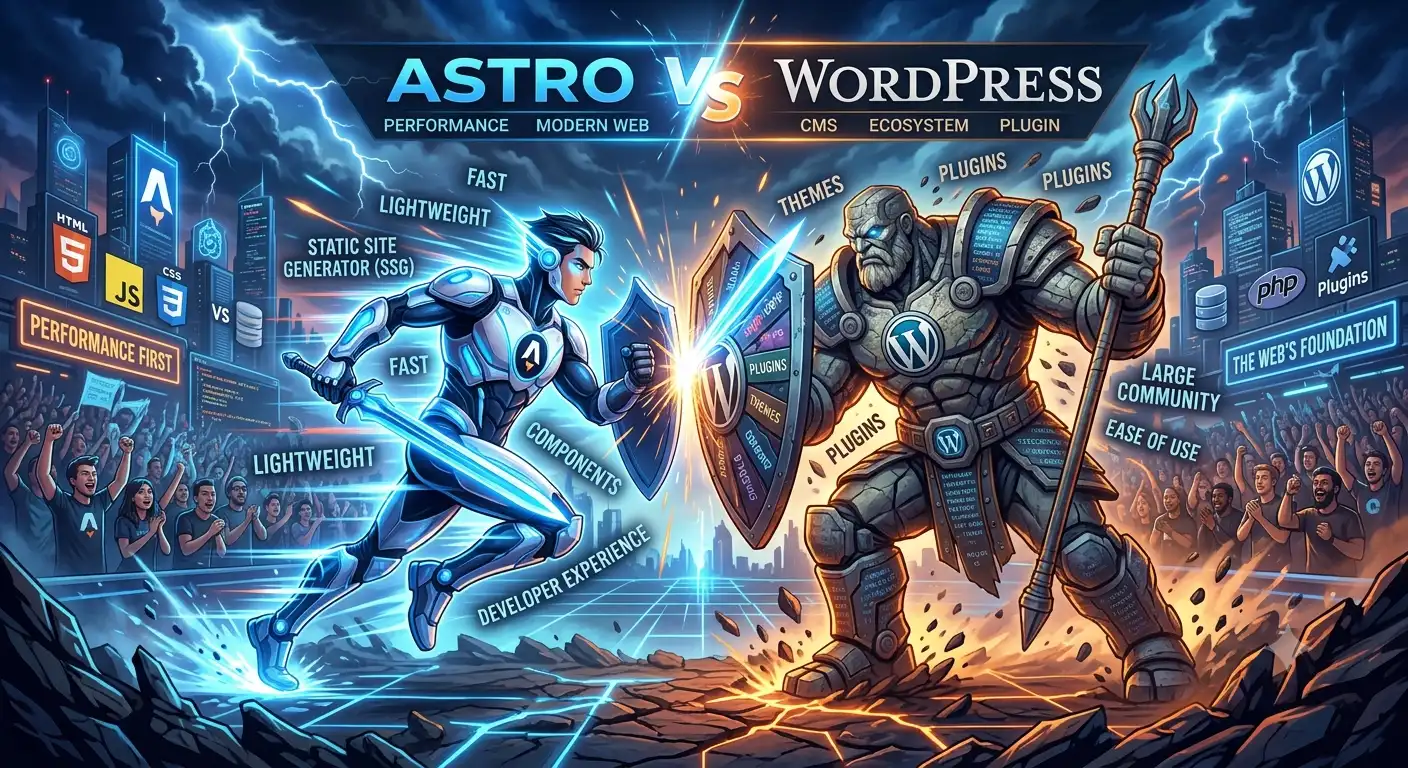
WordPress runs a large share of the web. Astro is one of a newer generation of frameworks growing fast for content-driven sites. Both are good. The question isn’t which is objectively better — it’s which fits your case.
We use both, depending on the project. Here’s the decision framework we apply.
The fundamental difference
WordPress renders pages on request. Every visit triggers PHP, database queries, and plugin execution — unless you put a caching layer in front of it.
Astro renders pages at build time. What reaches the browser is finished HTML and CSS, with JavaScript shipped only for the parts that are genuinely interactive.
That architectural difference explains almost every other difference below.
Speed
This isn’t an even match. A reasonably built Astro site almost always beats a WordPress site with comparable content.
Why:
- No server execution when the page is requested
- No database queries
- No plugin overhead
- Minimal JavaScript by default
WordPress can be made fast — with aggressive caching, a CDN, a light theme, and plugin discipline. But that’s extra work to reach a point Astro starts from.
If Core Web Vitals matter to you, also read how to speed up your website.
Managing content
Here WordPress wins clearly.
Millions of people already know the WordPress editor. Your client has probably used it. Adding a page, uploading an image, scheduling a post — none of it needs lengthy training.
Astro defaults to Markdown files. For a technical team, that’s comfortable. For a marketing team unfamiliar with Git, it’s a real barrier. The answer is pairing Astro with a headless CMS (Sanity, Contentful, Strapi, or Decap), which adds cost and one more moving part to maintain.
The practical rule: if content is updated daily by non-technical people, choose WordPress or Astro + headless CMS. If content changes a few times a month and one technical person is around, Astro with Markdown is fine.
Security
WordPress is the web’s largest target precisely because of its market share. Most incidents don’t come from WordPress core — they come from plugins that weren’t updated.
A statically built Astro site has a far smaller attack surface: no database, no public login page, no PHP execution.
The maintenance burden differs too. WordPress needs routine core, theme, and plugin updates. A static Astro site can run for years untouched — though its dependencies should still be refreshed periodically.
Cost
Build cost is broadly similar for comparable complexity.
Hosting cost differs a lot. An Astro site is static files: it runs on cheap shared hosting, or free on Cloudflare Pages and Netlify. WordPress needs PHP and MySQL, and will want better hosting as traffic grows.
Maintenance cost is usually lower with Astro because there are no plugins demanding monthly updates.
Plugin licence costs exist only on the WordPress side — and they add up meaningfully for e-commerce.
SEO
Both can be excellent. The difference is the route, not the destination.
WordPress has Yoast and Rank Math, which let you manage meta tags, sitemaps, and schema through a UI.
Astro has no built-in SEO plugin, so meta tags, sitemaps, and structured data are written in code. More control, fewer guardrails.
Astro’s indirect advantage: page speed is a ranking factor, and Astro starts from a better position.
Ecosystem
WordPress wins decisively. There’s a plugin for nearly everything: e-commerce, bookings, memberships, forums, LMS, multi-language.
Astro’s ecosystem is far smaller. For complex functionality you build it yourself or wire up a third-party service.
This is the deciding factor for e-commerce. WooCommerce, for all its faults, gives you a complete store in days.
Recommendation by project type
Choose Astro if:
- It’s a company profile site, portfolio, or landing page
- It’s a blog or documentation site
- Speed is a top priority
- Content changes occasionally, not hourly
- A developer is available for structural changes
- You want hosting and maintenance costs as low as possible
Choose WordPress if:
- Content is updated daily by several non-technical people
- You need full e-commerce quickly
- You need functionality that already exists as a mature plugin
- The team already knows WordPress
- You need multiple editor roles with an approval flow
Consider Astro + headless CMS if:
- You need Astro’s speed and a non-technical-friendly editor
- The budget can absorb a monthly CMS cost
- Content is consumed by more than one channel (web + app)
What we use
The main Giattech site and the blog you’re reading are built with Astro, Tailwind, and a little Alpine.js for interactions. The reasons: most of our pages are content, speed is part of what we claim, and our team is comfortable in Markdown.
For clients with a daily content team, we still recommend WordPress or Astro with a headless CMS. There’s no point forcing a stack nobody will use.
Our full stack is in the tools we use every day.
The wrong question
“Which is better?” is the wrong question. These are the right ones:
- Who updates the content, and how often?
- Do you need functionality that already exists as a mature plugin?
- How much does speed matter to this business?
- What’s the annual maintenance budget?
Answering those four almost always picks the stack for you.
If you want help answering them for your case, tell us about the project.
NEED A HAND?
Have a project you want built properly?
Giattech builds web applications, admin dashboards, and high-performance sites for businesses in Indonesia and beyond. Tell us what you need — you get a plan back, not a brochure.