The Tools We Use Every Day at Giattech (and Why)

Giattech
Web Application Studio
The full Giattech 2026 stack: frameworks, editors, hosting, design, and AI tools — including what we tried and dropped, and the reasoning behind each choice.
Table of Contents
Tool lists are easy to write and easy to show off. What people rarely include is the reasoning, and what they tried and abandoned. This article tries to do both.
This is the stack we genuinely run at Giattech in 2026.
Front-end development
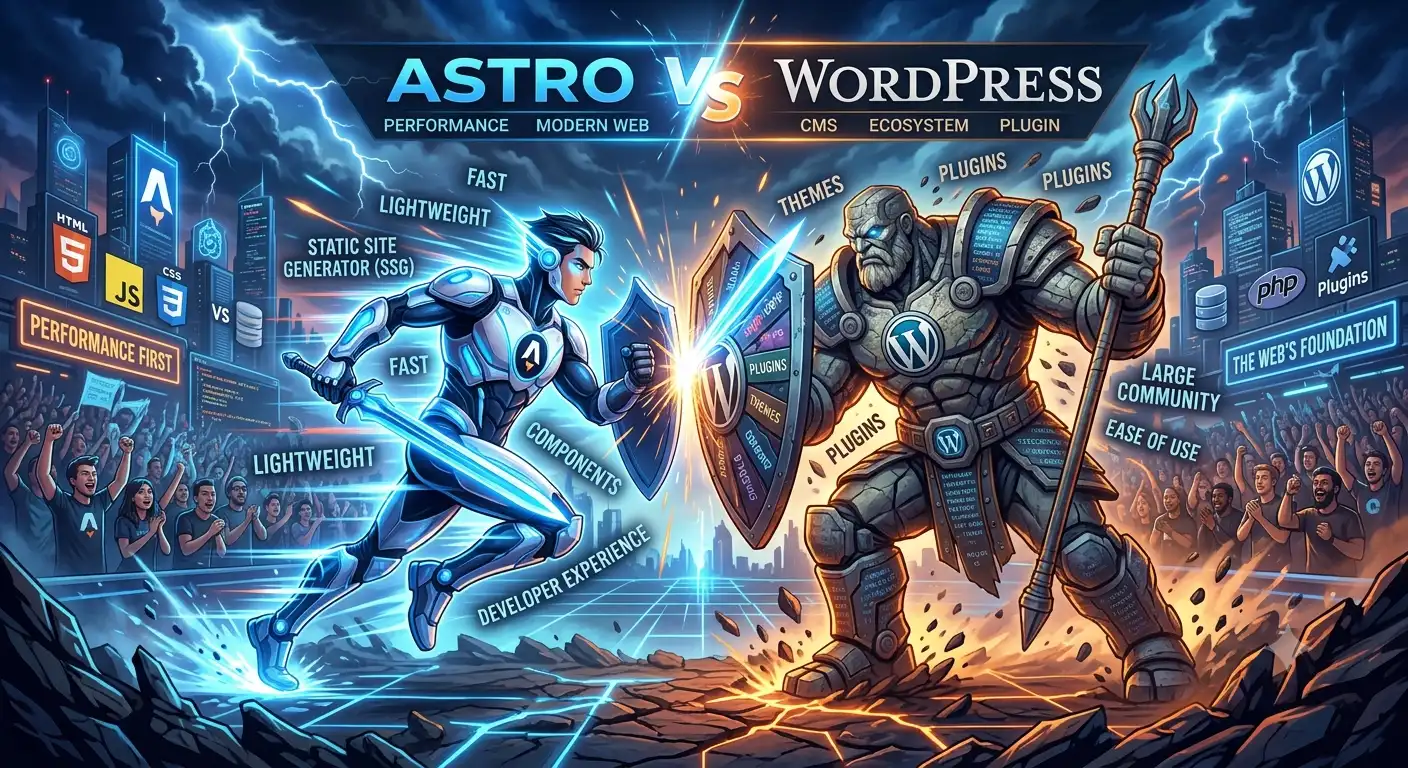
Astro — for content-driven sites
Our marketing site, portfolio, and blog run on Astro. The reason is simple: pages ship as HTML, JavaScript loads only for genuinely interactive components, and the result is fast without extra effort.
Content collections with schema validation also save real time — a frontmatter mistake fails the build instead of appearing on a live page.
The full comparison with WordPress is in Astro vs WordPress.
Tailwind CSS — for all styling
Tailwind removes most class-naming debates and keeps CSS small because only the classes you use get shipped.
Our one adjustment: design tokens live in CSS custom properties, not the Tailwind theme config. That turns a brand colour change into a single file edit, and it works in components that don’t use Tailwind at all.
Alpine.js — for small interactions
Dropdowns, accordions, and menu toggles don’t need a 40 KB framework. Alpine handles all of them with attributes in the HTML and a fraction of the weight.
Our rule: if the state gets more complex than one component, that’s a signal the design needs simplifying, not that we need a bigger framework.
GSAP — for animation
We use GSAP with ScrollTrigger for entrance animations and scroll effects. The reasons are cross-browser consistency and timeline control that pure CSS animation doesn’t give you.
Non-negotiable rule: every animation respects prefers-reduced-motion.
Back-end development
Laravel — for anything with a database
Our web apps, admin dashboards, and APIs run on Laravel. What makes it worth it: Eloquent, the queue system, the scheduler, and testing that’s structured from day one.
What we use on almost every project:
- Form Requests for validation
- Policies for per-record access control
- Queues for email, PDFs, and API calls
- Pest for testing — tighter syntax than PHPUnit
The patterns we apply are in building a Laravel admin dashboard.
MySQL and PostgreSQL
MySQL for most projects because hosting support in Indonesia is broad. PostgreSQL when we need serious JSON types or analytical queries.
Redis
For caching and queues once volume grows past what the database driver handles comfortably.
Working environment
- VS Code as the primary editor
- Laragon for local environments on Windows — quick to set up and rarely fussy
- TablePlus for browsing databases
- Insomnia for testing APIs
- Git with a branch per feature
Hosting and deployment
- Hostinger for static sites and smaller clients in the Indonesian market — inexpensive and fast enough with a regional server
- Managed VPS for Laravel applications
- Cloudflare for DNS and CDN on nearly every project
- GitHub Actions for automated builds and deploys
The full hosting decision tree is in its own article.
Design
- Figma for wireframes and interface design
- Squoosh for manual image compression
- Sharp for batch format conversion in the build pipeline
We don’t produce hi-fi designs for every page. For marketing sites we often go straight to code after a rough wireframe is approved — iterating in the browser is faster than iterating in Figma and then translating it again.
Testing and auditing
- Lighthouse in Chrome DevTools for performance audits
- PageSpeed Insights for field data
- Google Search Console for index monitoring
- Real devices — one mid-range Android and one iPhone. Emulators don’t show you how slow the CPU really is.
AI tools
We use AI assistants for work they’re genuinely suited to: writing boilerplate, explaining unfamiliar code, drafting tests, and reviewing changes before we review them ourselves.
What we don’t hand over: architectural decisions, sensitive data handling, and code we don’t understand. Our position on this is in AI is not replacing developers.
What we tried and dropped
Visual page builders. Fast at the start, but they produce heavy markup that’s painful to maintain. Every time we used one, the project ended in a rewrite.
Component CSS frameworks. They feel fast in week one, then you spend more time fighting the default styling than you would have spent writing CSS.
Too many microservices on a small project. We once split an application into several services that should have stayed one. The operational complexity wasn’t worth it.
Heavyweight project management tools. For a small team, a simple board and good notes beat a system with 30 required fields.
The principles behind these choices
- Choose boring. Mature technology has documentation, forum answers, and fewer surprises.
- Reduce moving parts. Every extra service is one more thing that can fail at 2am.
- Optimise for maintenance, not for the fun of writing it. Code is read far more than it’s written.
- Measure before switching. “Feels slow” isn’t a reason to change stacks.
Closing
The right stack is the one that fits your team, your budget, and your maintenance appetite — not the one currently trending.
If you want to know which stack suits your project, tell us what you need, or look at what we’ve built.
NEED A HAND?
Have a project you want built properly?
Giattech builds web applications, admin dashboards, and high-performance sites for businesses in Indonesia and beyond. Tell us what you need — you get a plan back, not a brochure.