
How to Build a Laravel Admin Dashboard People Actually Use

Giattech
Web Application Studio
A practical guide to Laravel admin dashboards: data structure, permissions, audit trails, and the UI decisions that make an ops team abandon spreadsheets.
Table of Contents
The admin dashboard is the most-used and least-considered part of most applications. Clients look at the public site; the operations team lives in the dashboard eight hours a day. If it’s bad, they quietly go back to spreadsheets — and your investment evaporates.
This guide collects the decisions we make when building Laravel admin dashboards for real clients.
Start from the workflow, not the database tables
The most common mistake: generate CRUD for every table and call it a dashboard. You end up with 25 menu items that are technically complete and help nobody.
The right approach is to sit with the people who’ll use it and write down the questions they ask every day:
- “Which bookings haven’t been confirmed today?”
- “Who hasn’t paid past seven days?”
- “What’s occupancy this week versus last?”
Each of those questions is one screen. CRUD is the supporting cast, not the product.
A project structure that survives month six
Laravel gives you enormous freedom, and that freedom becomes a problem when the team hasn’t agreed on structure up front.
What we use:
- Thin controllers. A controller takes a request, calls one service, returns a response.
- Form Requests for validation. Validation rules never belong inside a controller.
- Service classes for business rules. One class, one responsibility.
- Eloquent scopes for repeated queries.
Booking::pending()->today()reads far better than a three-line chain ofwherecalls. - Policies for access control. Not
if ($user->role === 'admin')scattered everywhere.
// app/Models/Booking.php
public function scopePending($query)
{
    return $query->where('status', BookingStatus::Pending);
}

public function scopeToday($query)
{
    return $query->whereDate('check_in', now()->toDateString());
}
Use enums, not raw strings
A status stored as a free-form string will contain pending, Pending, and PENDING in the same table within three months. PHP 8.1 has backed enums — use them.
enum BookingStatus: string
{
    case Pending   = 'pending';
    case Confirmed = 'confirmed';
    case Cancelled = 'cancelled';
}
Permissions: design them early, don’t patch them in
Almost every operational system needs more than one role. Adding a role system after the app is built always costs more than putting it in from the start.
The three layers we use:
- Roles — bundles of permissions (admin, supervisor, staff, finance).
- Permissions — specific actions (
booking.confirm,invoice.void). - Policies — per-record rules (
can only edit bookings from their own branch).
A package like spatie/laravel-permission handles the first two layers well. The third stays with Laravel Policies.
An audit trail is not an optional feature
The moment money or a schedule can be changed, you need an answer to “who changed this and when”. Without it, every mistake turns into an argument.
The minimum to record:
- Who performed the action
- What changed — old value and new value
- When, to the second
- From where (IP or device) if it’s relevant
Laravel’s model events make this straightforward:
protected static function booted(): void
{
    static::updated(function (Booking $booking) {
        ActivityLog::create([
            'user_id'   => auth()->id(),
            'action'    => 'booking.updated',
            'subject_id'=> $booking->id,
            'changes'   => $booking->getChanges(),
            'original'  => array_intersect_key(
                $booking->getOriginal(),
                $booking->getChanges()
            ),
        ]);
    });
}
The UI decisions that decide whether it gets used
Tables must filter and export
An operations team will always need to filter and download. If you don’t provide it, they’ll request a report over WhatsApp every week — and that becomes your job forever.
Provide at minimum: date filter, status filter, text search, and CSV export.
Bulk actions save real hours
Confirming 40 bookings one at a time is 40 clicks and 40 page loads. A select-all checkbox plus one action button turns it into two clicks.
Confirm only destructive actions
A confirmation dialog on every button trains users to click “Yes” without reading. Save confirmations for deletes and cancellations.
The home dashboard shows actions, not just numbers
A card reading “Total Bookings: 1,284” tells nobody to do anything. A card reading “12 bookings awaiting confirmation” that links straight to the filtered list is far more useful.
Performance: the problem that shows up in month three
A dashboard feels fast on 50 rows. At 50,000 rows, three things bite:
N+1 queries. Always eager-load relations with with(). Run Laravel Debugbar locally so you see them before your client does.
Pagination is mandatory. Booking::all() on an index page is a time bomb. Use paginate(), and for very large tables consider cursorPaginate().
Database indexes. Columns used in where, order by, and join need indexes. It’s a five-minute fix that often saves seconds per request.
Background work
Anything slower than roughly 200 ms shouldn’t happen inside the request cycle:
- Send emails and notifications through the queue.
- Generate PDFs and large exports as jobs.
- Call third-party APIs from jobs with retries.
Laravel Queue on the database driver is enough for most cases; move to Redis when volume grows.
Checklist before handing it to a client
- Every large table has pagination and indexes
- Every role tested with a real account, not just as admin
- Audit logging on for anything touching money or schedules
- Scheduled database backups, with a restore you’ve actually tested
- Human-readable error pages, not stack traces
- Rate limiting on the login endpoint
- A short how-to document with screenshots
Closing
A good dashboard is measured by one thing: whether the team stopped using spreadsheets. Every technical decision above points at that.
To see this applied to a resort’s operational system, read the Segara Seaside Resort case study. To talk about your own internal system, get in touch here.
NEED A HAND?
Have a project you want built properly?
Giattech builds web applications, admin dashboards, and high-performance sites for businesses in Indonesia and beyond. Tell us what you need — you get a plan back, not a brochure.
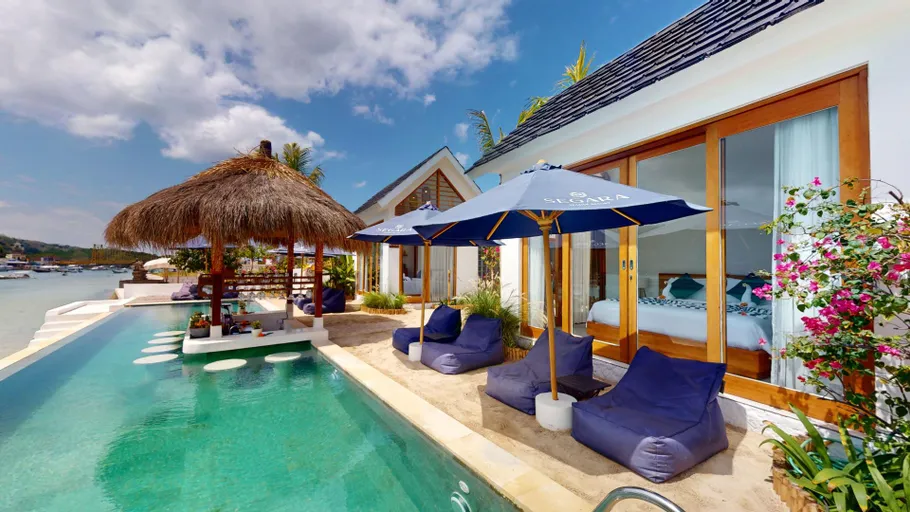 Related project Setup Network Segara Seaside Resort Implemented VLAN segmentation and Mikrotik routing for optimal bandwidth management, guest network security, and guest management isolation. View project